
UPI QR Payment
Any BHIM UPI App
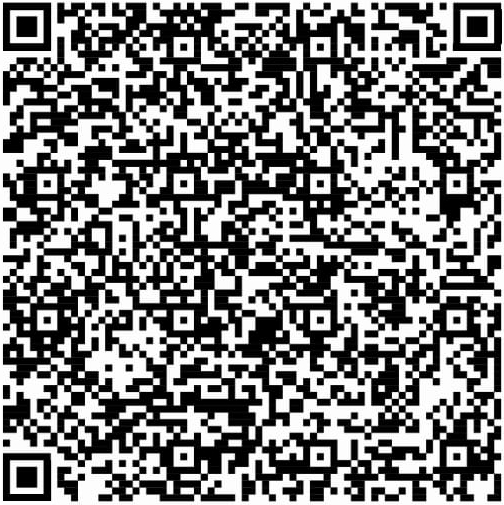
Wylth UPI ID
0790825A0130163.bqr@kotak
Note: Share your payment screenshot at arpit@wylth.com or WhatsApp +91 81044 68462.
Pay securely via UPI or bank transfer, then share your payment confirmation with the Wylth team for verification.
Scan the QR code or use the bank details provided to complete your payment using UPI, IMPS, or NEFT.
After successful payment, save the payment screenshot and note down the UPI transaction ID or bank reference number.
Share your payment confirmation and transaction screenshot directly with our team using the WhatsApp or Email buttons below.
Our Wylth support team will verify your payment and confirm the activation/update once verified.
Any BHIM UPI App
Wylth UPI ID
0790825A0130163.bqr@kotak
Note: Share your payment screenshot at arpit@wylth.com or WhatsApp +91 81044 68462.
NEFT / IMPS / RTGS
Note: Share your payment screenshot at arpit@wylth.com or WhatsApp +91 81044 68462.